

Capabilities
Subtitling
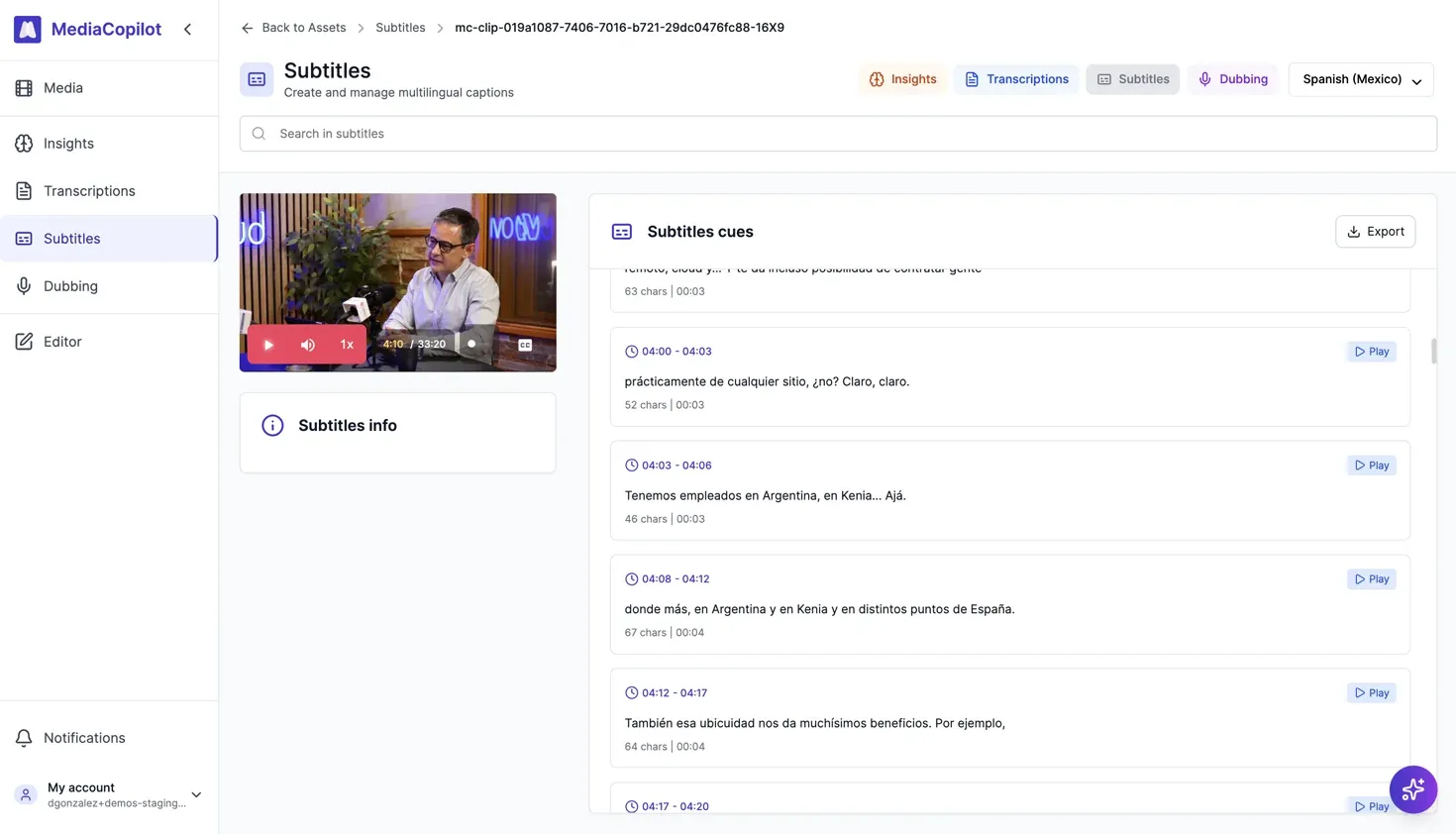
Auto-generated subtitles in 50+ languages.
How it works
Transcribe or import
Start from an automatic transcription or import an existing subtitle file.
Generate subtitles
The transcript is segmented into timed subtitle blocks, respecting reading speed and natural sentence breaks.
Translate
Select target languages. Translations maintain timing and context.
Review and export
Fine-tune in the built-in editor and export in standard formats (SRT, VTT, and more).
Key features
- Automatic segmentation — readable subtitle blocks with proper timing.
- 50+ languages for translation.
- Timing sync — precisely aligned with speech.
- Multiple export formats — SRT, VTT, STL (EBU broadcast standard), and JSON.
- Built-in editor for fine-tuning.
Customization & branding
Subtitles in MediaCopilot are fully customizable:
- Custom fonts — upload and use your own brand fonts.
- Color per speaker — assign a different color to each speaker for clarity.
- Style presets — save and reuse subtitle styles across projects.
- Background & positioning — control background color, opacity, and subtitle placement.
- Burn-in subtitles — render subtitles directly into the video for social media or broadcast delivery.
Branding settings can be configured once and applied across all your projects for a consistent look.
Export formats
| Format | Extension | Use case |
|---|---|---|
| SRT | .srt | Video players, editing software |
| VTT | .vtt | Web players, streaming platforms |
| STL | .stl | Broadcast (EBU standard) |
| JSON | .json | Custom integrations, API workflows |
Supported languages
Translation is available in 50+ languages. See the full list in the Transcription section — all transcription languages are available for subtitle translation.